How to show multiple columns in an ASP.NET Mobile ObjectList
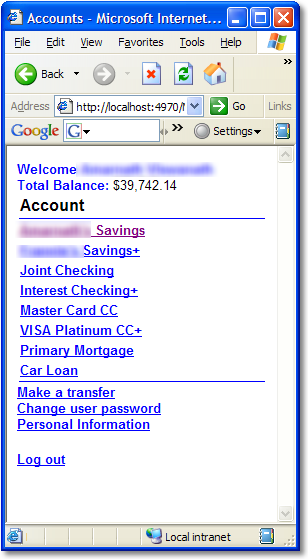 When using ASP.NET Mobile Controls to display a list of information, you'll usually use an ObjectList and databinding. ObjectList is a great control with lousy documentation.
When you turn off AutoGenerateFields and bind a collection of objects to the list - as I'm in banking, my example is always "Accounts" - you need to give a list of Fields that you want to bind to.
<mobile:ObjectList
ID="listAccounts"
Runat="server"
AutoGenerateFields="False"
TableFields="Description;AvailableBalance">
<Command Name="AccountHistory" Text="Account History" />
<Command Name="Transfer" Text="Make a Transfer" />
<Field DataField="Description" Name="Description" Title="Account" />
<Field DataField="NumberMasked" Name="NumberMasked" Title="Number" />
<Field DataField="AvailableBalance" DataFormatString="${0:0,0.00}" Name="AvailableBalance"
Title="Balance" />
<Field DataField="Index" Name="Index" Visible="False" />
</mobile:ObjectList>
 Here's the icky part. By default the list will only show the FIRST field - in my case "Description" - in the list. It'll be hyperlinked to a subform that will show the rest of the fields. Remember, we're designing for mobile here.
The useful little-known/documented trick is that if you put a semicolon separated list of DateFields in the TableFields attribute you'll get multiple columns when the ObjectList first displays.
One other unrelated note. For some reason when I use DataFormatString="C" to format the decimal AvailableBalance as a Currency, I get a string star-like character. Perhaps something wrong with the current UI culture. I worked/hacked around it with a format string like DataFormatString="${0:0,0.00}" for now.
About Scott
Scott Hanselman is a former professor, former Chief Architect in finance, now speaker, consultant, father, diabetic, and Microsoft employee. He is a failed stand-up comic, a cornrower, and a book author.


About Newsletter

Comments are closed.
Thanks for the post Scott - I didn't even know that control existed!!
Nic