Using a Bluetooth Jawbone Headset for BT-Audio (Microphone or Speakers) on Windows 7
I installed a PILE of new drivers tonight from Lenovo using their most awesome System Update 4.0. Included was a Bluetooth Stack update.
On a whim, I tried to pair my Jawbone Bluetooth Headset, something that has never worked before, and it worked!
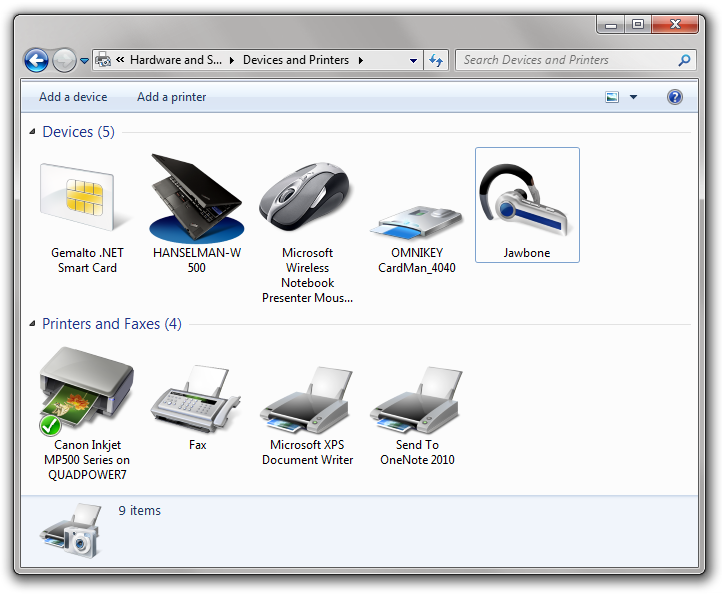
More interestingly, when I right click on the Jawbone and click "Control" I get this dialog I've never seen before!
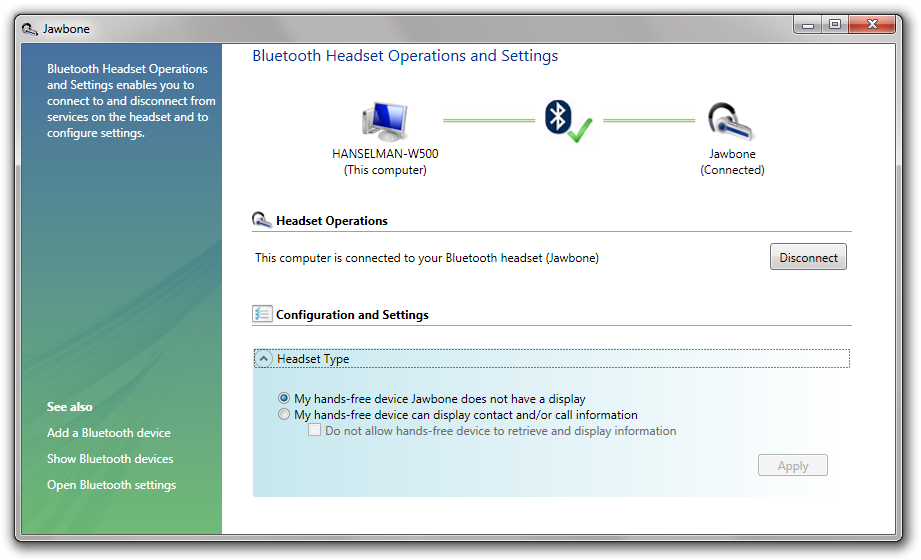
This actually looks and feels a tiny bit unpolished. Note the tight vertical whitespace at the VERY top and the strange blue gradient, as well as the Vista-esque color scheme on the far left. Not sure if this was in Vista and just not updated for Windows 7, but it looks weird.
UPDATE: Confirmed - This crazy wrong looking dialog is owned by Lenovo, not Windows.
Still, then Skype popped up suddenly and said there was new audio devices available!
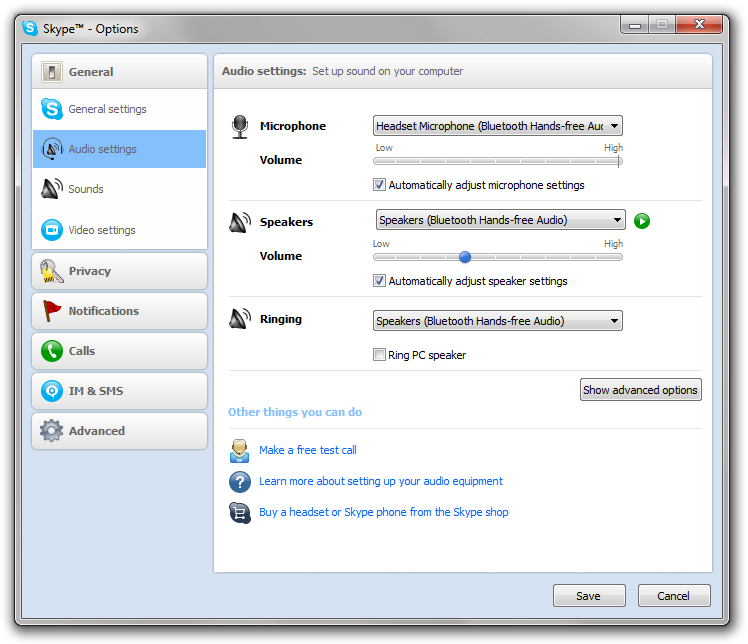
Sure enough, I've got a new Microphone and new "Speakers" in the form of my Jawbone headset. I can even use this headset for Voice Recognition, or even as my Default Communications device for Phone Calls with Office Communicator. Or, I can listen to music through my Jawbone. Deeply cool.
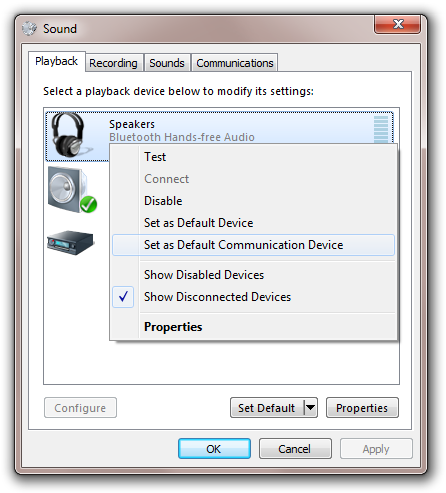
I'm not sure who to thank, Windows 7 for better audio and Bluetooth support, or Lenovo for a Bluetooth 2.1 driver. Either way, I'm thrilled that my laptop can suddenly do something with Windows 7 that it couldn't do yesterday!
About Scott
Scott Hanselman is a former professor, former Chief Architect in finance, now speaker, consultant, father, diabetic, and Microsoft employee. He is a failed stand-up comic, a cornrower, and a book author.


About Newsletter

 configurator


This is for a Car PC i am doing. I was searching for this in the internet, some where i red that it is available in Windows 7.


Be careful though if you are using voice recognition with Bluetooth headsets. My experience has been that the limited audio bandwidth on the mic channel gives Windows speech recognition a hard time and reduces the accuracy, which can be frustrating.
(Not a limitation of Bluetooth itself, just of the commonly used audio profiles.)

Comments are closed.