Virtual Camaraderie - A Persistent Video "Portal" for the Remote Worker
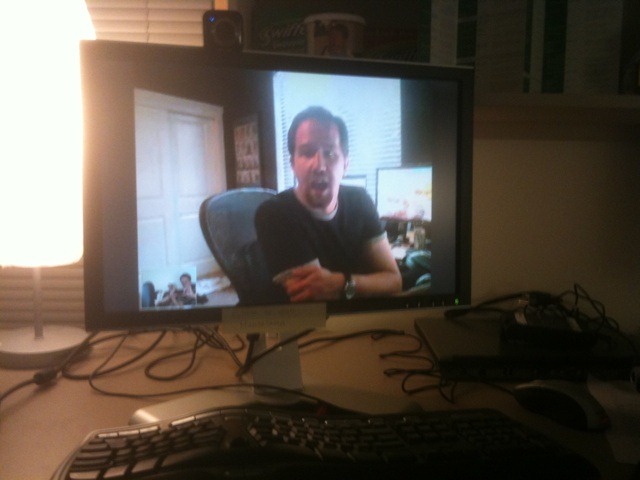 Working from my home office is nice, even when the babies are pounding on the door screaming, but sometimes I really miss random hallway chatter. The sense of folks around...stopping by your office and saying "hey, I was in the neighborhood."
Chris Sells is in the same boat. For a while we tried to build robots and even lash laptops to the top of Roomba Vacuums. We've tabled those ideas with concerns over security and battery life.
Instead, Phil (in Washington) and I (in Oregon) are trying an experiment. I'm going to be his office mate for a little while. We've each setup dedicated machines in our respective offices with inexpensive but high-res web-cams on each monitor. We'll keep them going during work hours so folks can stop by 42/3839 (his office number) and say hello. Certainly we'll mute it here and there when appropriate, for privacy.
How To Make It Less Creepy
Here are some important points to make, although it might be obvious to you, they weren't initially.
- We dedicated a machine/camera each to this exercise, rather than using our existing machines. This is important because it reinforces the "Portal" aspect. This is an appliance, a hole in space, not my main, or even secondary computer.
- The cameras don't point at our faces. Because that would be creepy. If he's my cube-mate, when I look over, I should see the side of his head. In both cases we set it up so we have to push our chairs back and turn our heads to see the other person. Just like a cubicle.
Steps to Making a Portal
We're using Skype for this example, but you can use your favorite Video Calling software, of course. We're NOT using Office Communicator because our machines are not on the domain and they are very locked down. Single-purpose appliances, really.
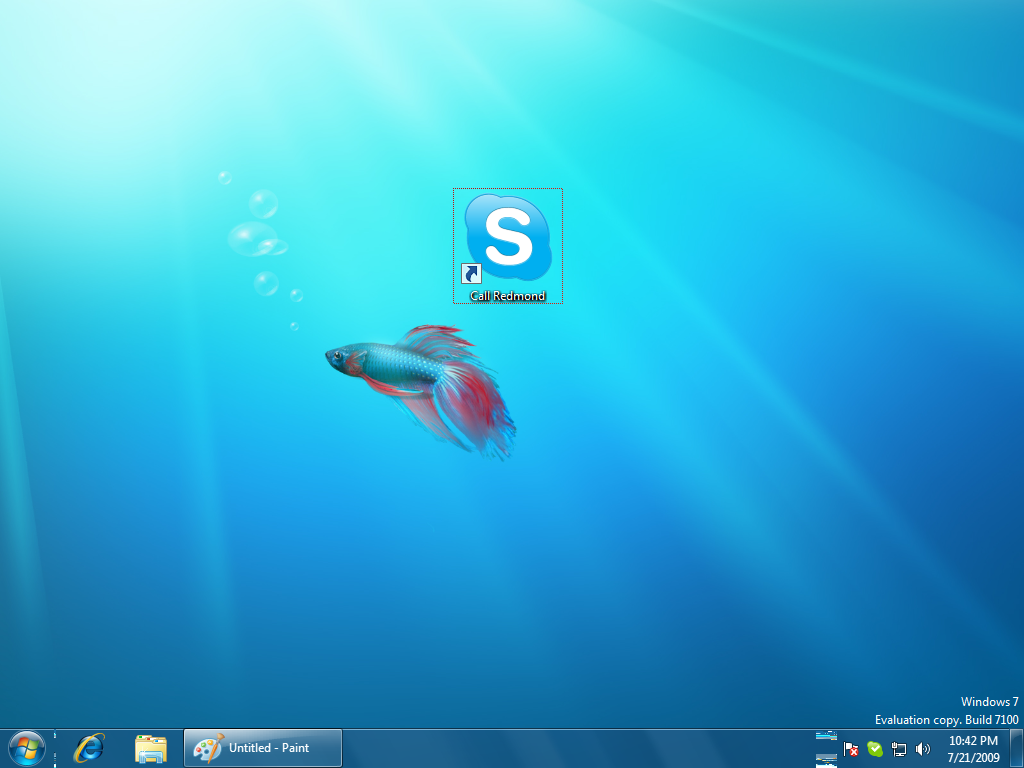 First, we setup local users, not administrators on each machine. We didn't domain-join the machines, and we set the users to only be allowed to run Skype using Windows 7 Family Controls.
Second, we made two Skype Users, for example PortalDude1 and PortalDude2. On each desktop we made a new shortcut in the format callto://PortalDude1 and callto://PortalDude2 and set the icons to be large. This way if the connection is dropped, anyone can stop by and start it.
Third, each user should add the other to their contact list and have only one contact.
Fourth, next, go into Skype Options and into Privacy. Set the options such that these are true:
"Only allow people who are in my contact list to contact me"
and
"Automatically answer calls from people who are in my Contact List"
and finally, and most importantly:
"Automatically Send Video"
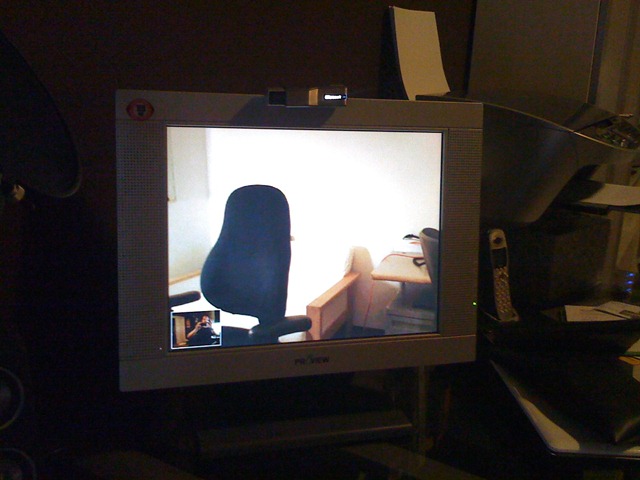 These are the magic three options. With this setup, your will have one contact, you, and when you call each other the call will be auto-answered and the video will start.
Also, be sure to change your Power Options to make sure the machine doesn't fall asleep!
If you have a fast machine and good bandwidth you'll get 640x480 (DVD quality-ish) although congestion on the network and make this quality level come and go. We're still experimenting with me being VPN'ed in or not and if it improves the portal.
Related Links
About Scott
Scott Hanselman is a former professor, former Chief Architect in finance, now speaker, consultant, father, diabetic, and Microsoft employee. He is a failed stand-up comic, a cornrower, and a book author.


About Newsletter

 Rob
Rob


Interesting experiment you are doing I must admit.


Dude, you need to get out more :P
Although, I'd totally consider hooking it up if I was tethered to my home-office. It should certainly alleviate that feeling of cabin fever and give you that ever present person to bounce ideas off. Just being able to bounce ideas off someone you know isn't even really paying attention to you is huge - for that alone I prefer working in the office.


Comments are closed.