BACKUP YOUR CRAP: Missing Operating System, Backups, Disk Images, Home Servers, BootRec, BootMgr, RebuildBCD, FixBoot and Problems, Plural
 Today I was sitting in what I like to call "Conference Room B" but what other people call "Quiznos Sandwiches," talking to Damian and Vishal over Office Communicator. We were running a meeting and sharing screens and suddenly my laptop's little hard drive light started going bananas.
OK. That's bad, but I've seen it before.
I hit CTRL-ALT-DEL to bring up Task Manager, but nothing happened. About 30 seconds later I got a message from Windows saying basically "um, I totally see that you hit Ctrl-Alt-Del and I told that security screen to come up but him no worky."
I've seen this dialog literally like TWICE in my life. That's bad.
So I'm sitting there watching this light *BOOM* WHOA*** BLUE SCREEN.
Whoa! Ok, so it's writing out the memory dump....WHAT? Error Writing Dump, Hardware Failure, NO CARRIER...
I've never seen that. Ever.
I reboot.
BIOS says Hardware Device Error. The hard drive is dead. My year old $600 OCZ VerteX SSD that I bought myself and put in my work computer to be more productive is dead. And not dead in that plug it into another machine kind of dead. Not in a Super Nintendo blow hard on the contacts and reinsert kind of dead. Not in a Jonah Hex touch me and come back to life just for a minute dead. Not AMC's Walking Dead.
It's a coaster now.
I leave Quiznos that moment, walk over to the local computer shop and say "proprietor! Sell me your finest hard drive!" He has a single random 500gig 7200RPM laptop HD he sells me for $77.
I go home and boot off my Windows Home Server Restore CD. My machine was backed up this morning at 2am. Restore takes a few hours over wired Ethernet and I boot.
However...I forgot I had some 100meg System Partition on my laptop that isn't backed up, so I get No Operating System Found. Not to be confused with "Missing Operating System," this means that my machine was totally restored, except for the boot stuff that's needed. That was on that little 100 meg partition.
I boot into my Windows Disk, and when it comes up to the first menu, I hit SHIFT-F10. That brings up a command prompt. They hide it with that obscure hotkey because Captain, Thar Be Whales Here. You can get hurt.
I type
DISKPART
In case you haven't figured it out, if you find yourself typing DISKPART, EVER in your life, you've got problems. Plural.
Then from the prompt:
DISKPART> list disk
Disk ### Status Size Free
-------- --------------- ------ -----
Disk 0 Online 465 GB 0 B
DISKPARK> select disk 0
Disk 0 is now the selected disk
DISKPART> list partition
Partition ### Type Size
------------- --------- -------
Partition 1 Primary 465 GB
DISKPART> select partition 1
Partition 1 is now the selected partition
DISKPART> active
Partition 1 is now active
Then I reboot, startup with the Windows 7 DVD again and go back into the Windows Recovery console with F10 from the first dialog.
Now it's Boot Sector time, son!
I've got a Windows installation on C:\Windows on an active partition. That's the one I restored from a disk image, remember?
However, I've got no boot information, no master boot record (MBR) and no Boot Configuration Data (BCD.)
From the recovery command line:
BCDBOOT c:\windows
Then
BOOTREC /FIXMBR
BOOTREC /FIXBOOT
BOOTREC /REBUILDBCD
After this I rebooted and was greeted by the most beautiful sight I've seen today. My desktop. Exactly as it was this morning at 2am.
My other files? The ones I changed? Safe in DropBox and syncing from the cloud to my machine as we speak, Dear Reader.
Sure, I realize that all this command line partitioning was an edge case and not completely related to my whole message of "backup your stuff," but this was my afternoon, so I've shared it with you.
Conclusion
- Have a backup strategy my friends. Not only that, but seriously, test your restores. Backups are great. I do them all the time. Backups always work. Restores fail all the time.
- Backup some stuff to the cloud. I don't care whose cloud, pick one. I used to use Mozy, now I use KeepVault because it backs up my Windows Home Server to the cloud, as well as my desktops.
- Make local disk images to external hard drives. I have a 2TB external drive that I make weekly images to use Acronis TrueImage. Just in case everything goes bad. If you are a presenter and traveler type like me, always be ready with a Virtual Machine on a USB Key or a Disk Image on a hard drive in case things go bad the night before a presentation.
- You can make VHD (Virtual Hard Drive) images from physical disks for free with Disk2VHD if you're really fancy and advanced.
- Given what's going on with Windows Home Server and Drive Extender, I don't know what to think. I can say though, that this is the fourth time that having a drive image (not just files backups) have had me typing on the same machine that died the very same day.
Friends. Stop. Go backup your machines. Then backup your spouse's, girlfriend's, boyfriend's, parents, grandparents and Uncle Ronnie's.
Related Links
- On Losing Data and a Family Backup Strategy
- The Case of the Failing Disk Drive or Windows Home Server Saved My Marriage
- Rory Blyth, Chris Sells and Me in on10's Show Us Your Home: Scott Hanselman Edition
- Also known as "Geek Developer Cribs"
- Hanselminutes Podcast 71 - Windows Home Server - Interview with Charlie Kindel
- Review - HP MediaSmart Windows Home Server
About Scott
Scott Hanselman is a former professor, former Chief Architect in finance, now speaker, consultant, father, diabetic, and Microsoft employee. He is a failed stand-up comic, a cornrower, and a book author.


About Newsletter

If everything goes wrong, I will be back where I started a month ago :)
Apart from that my backup strategy is when the whim strikes, usually sometime within a fortnight of the last one.
Backing up today!

Hasan - I'll take a look at Drobo, thanks.


I can see now why Chrome OS is a good idea, bandwidth permitting.

Was fixed with the firmware update Crucial released 3 days before that accident (0006). No drive hickups (had some every 2 or so days before that) since then.
So I suggest you try upgrading the firmware, or running some checks/reset cache/something tools with the firmware update tool from your vendor, could be corrupted cache on the controller or something similar. Maybe it's not dead, yet.

Can you talk about how safe you feel with putting your personal stuff up on a cloud backup? I mean, even if they use x.509 certs or some other decent encryption, what's to stop Disgruntled Danny who works at Mozy from wandering through your backup, grabbing your account information from Quicken and opening up some accounts?
I'm not looking to address "is this probable", I would need to address "is this possible".
I mean how safe can your data actually be, in the hands (wholly and completely) of someone else - encrypted or not? Just curious...
-Rob


Slightly OT, but any chance you could do a show on the whole WHS/DE disaster? I still find it incredulous that such a decision was made.
Also, how about getting the WHS team to support TrueCrypt full disk encryption? Imagine knowing that even if someone stole your WHS, they wouldn't be able to get anything useful off it - I'd sleep much better at night. And yes, I'm willing to grab a USB keyboard every time I reboot my WHS and type in my password without any visual cues.


One word....Dropbox :)
I dont mind when my PC dies, I can reinstall VS, SQL clean...then plop dropbox back on and I have all my files back with a PC that runs better


Why DropBox and not Microsoft Live Mesh 2011?
http://explore.live.com/windows-live-mesh?os=other

@malovicn: for me, because it's cross platform.
Rob: Re backing up to the cloud. If you have data you don't trust with a third party, either don't back it up with them or encrypt it first. I use Mozy to backup my machine at home including my financial data. I use truecrypt partition to store my financial data to ensure it does not get stolen by Mozy or thieves in my house.
-- Paul


During every backup, WHS packages your drivers and places them in the backup. Theoretically, this makes it easy to get the latest known good drivers from WHS so you can easily restore onto a bare drive.
Problems:
- This assumes you have another computer from which you can open up the backup and extract the drivers. Yes, most folks that have WHS probably have more than one computer. However, not all of us do. If it wasn't for my PDC 2009 laptop, I'd only have my main laptop and I'd be DOA.
- The backed-up drivers are for the current operating system installed on the laptop. The restore application is 32-bit Vista, which presents two additional problems:
-- Most new-ish computers are 64-bit. 32-bit Windows needs 32-bit drivers.
-- Most people using WHS are probably using Windows 7 and while I think the driver models are similar, they aren't fully backward compatible in my experience.
I've had to restore off of WHS twice -- once from Vista 32-bit and again from Win7 64-bit. They were very frustrating experiences, but at the end of the day I got all my stuff back. I just can't imagine how a non-technical person would've made it through my or Scott's experience.


How did you complete your initial backup from your home server to KeepVault? I really want to get my home server and the one my inlaws have backed up to the cloud somehow for extra security, but it looks like it would take a month or two of constant upload time on comcast cable modem to back it up the first time. Have you figured out a trick for bootstrapping the process? Or am I just being paranoid and the sooner I kick the process off the sooner it will finish?
- Danny

I don't think I could go back, the speed difference is so much although I have been more careful with backups since getting one as I predict failure at some point.

I hit CTRL-ALT-DEL to bring up Task Manager
You mean that you hit Ctrl+Shift+Esc to bring up Task Manager, right? :-)


Furthermore, you are allowed to simply go and buy another off-the-shelf HD from a local computer store and throw it in -- what about maintenance and/or warranty that Microsoft is likely already paying on the laptop? Unbelievable.
Is your old SSD drive encrypted? And how do you dispose of old SSD drive when done -- send it to be shredded or throw it in the garbage?
I'm surprised Microsoft lets you back up your company laptop to your "home" backup server (Home Server) without requiring your data to be encrypted. I'm also amazed that you appear to be allowed to backup to any third party "cloud" based service that may or may not meet minimum access control and encryption standards.
Security security security
so much for the latest and greatest and not slowing down in pursuit of all the frivolous implied benefits of new stuff . . . . .
Well, you did get a subject for a new blog and SEO keywords!!!!
I keep ALL my install CDs for my computer in a cardboard box with the computer's name on it. Not in a CD collection. I also backup all the data files to 1 location on, 1 location off. These backups include all the latest drivers I've installed.
hardware failures are god's way of telling me "you need to clean off your clunky computer, do a fresh install, and by the way, upgrade to XP" . . . . . .

It seems that all the time you saved with the SSD from its faster boot and data access was offset by the need to replace it after 1 year and restore your backup to the new drive. Older style, rotational hard drives fail too but generally not as catastrophically.
When the older ones hiccup we have Steve Gibson's SpinRite to try first aid. With SSDs we are SOL.
I have given up trying to image my OS drives. I keep my data backed up and figure the time it takes me to resurrect a machine - install the OS, the apps, the updates, and the personalization - is equivalent to or less than the time it took to do all those images. Each time I recreate a machine I get a chance to throw out the old I no longer use and cut out the inevitable clutter that has crept into the system.

I purchased a CrucialSSD300 and used their data transfer kit to migrate my data from old HDD to new SSD. Everything migrated succesfully, but I found that I needed to re-activate office for some reason. I also found out that Microsoft updates no longer work and throws an error that I have not been able to resolve. Yes, I need to probably re-install fresh, but that's another 12 hour day wasted.
What I really want to say is that Microsoft really needs to change its image with Windows in general. Most folks know that Windows gets slow over time. All the registry crap, uninstall/reinstalls, and general day to day things that go on behind the scenes in the backup end up giving Windows a bad name. Then when one does have to reinstall, we have to spend hours reloading the OS, hours reloading all our apps, hours re-activing all our licenses or whatever, hours resetting our preferences, and finally more time reloading our personal data. Very frustrating and time consuming. I've wasted many days/months in my life reloading my personal machines with WFWG, Windows 95, Windows XP, Windows Vista, and now Windows 7. When is this going to stop? There needs to be a better way to have an isolated, secured, OS partition that essenetially remains static and free from all the user and application junk, and another partition and data structure for maintaining application.
The registry is probably the biggest problem I find.
Why can't we simply copy a program to a folder (true XCOPY deployment) and it contains all the dependencies and whatnot for the application to run? Why do I need to revert to obsure registry keys and and GUIDs when trying to clean up an uninstall or a misbehaving application?
I'm glad you got your system working, but I think you are more of a power user and most folks would still be on the phone with tech support or reloading windows right now...
OCZ is a pretty terrible company. I bought a RevoDrive X2 (their fastest SSD ever), and it crashed about 10 times during Windows 7 installs on a brand-new system with the latest firmware. It is horribly unstable.
On top of that, my Windows Home Server corrupted all my backups. Every single one. It still shows that it's backing up everything without problems, but it cannot restore a single thing - not on this computer, or anywhere else.
I've done JungleDisk backup to Amazon S3 before, I used Mozy at times, but I don't have a perfect solution yet. This backup stuff is a total fiasco so far.
-Yakov

dm3281 - Agreed that the registry is a problem, although I've personally found that "Registry Arthritis" seems to happen less on Windows 7.
hacker4life - Some good points there. To give some context. All my drives are BitLockered and use TPM+PIN as well. The new drive started BitLockering as soon as I tried to connect to work. BitLocker is required now, not optional. I did get my own SSD to be more productive as they wouldn't buy me one, and I bought a drive so as not to lose a day or more of productivity. If I sent the drive or laptop to IT it would take weeks, or days at a minimum. My goal was to balance security and productivity. That said, there's nothing on this laptop. It's for presentations and email.
Jon Schneider - No ;) Ctrl-Alt-Del causes a hardware interrupt while Ctrl-Alt-Esc doesn't. I wanted to see if the machine was hung or not. The former tests that, while the latter tests only explorer.exe.
Everyone - Yes, the restore process for WHS is a mess and a non-techie would be screwed. I'll be moving to Acronis for encrypted Disk Images from now on.
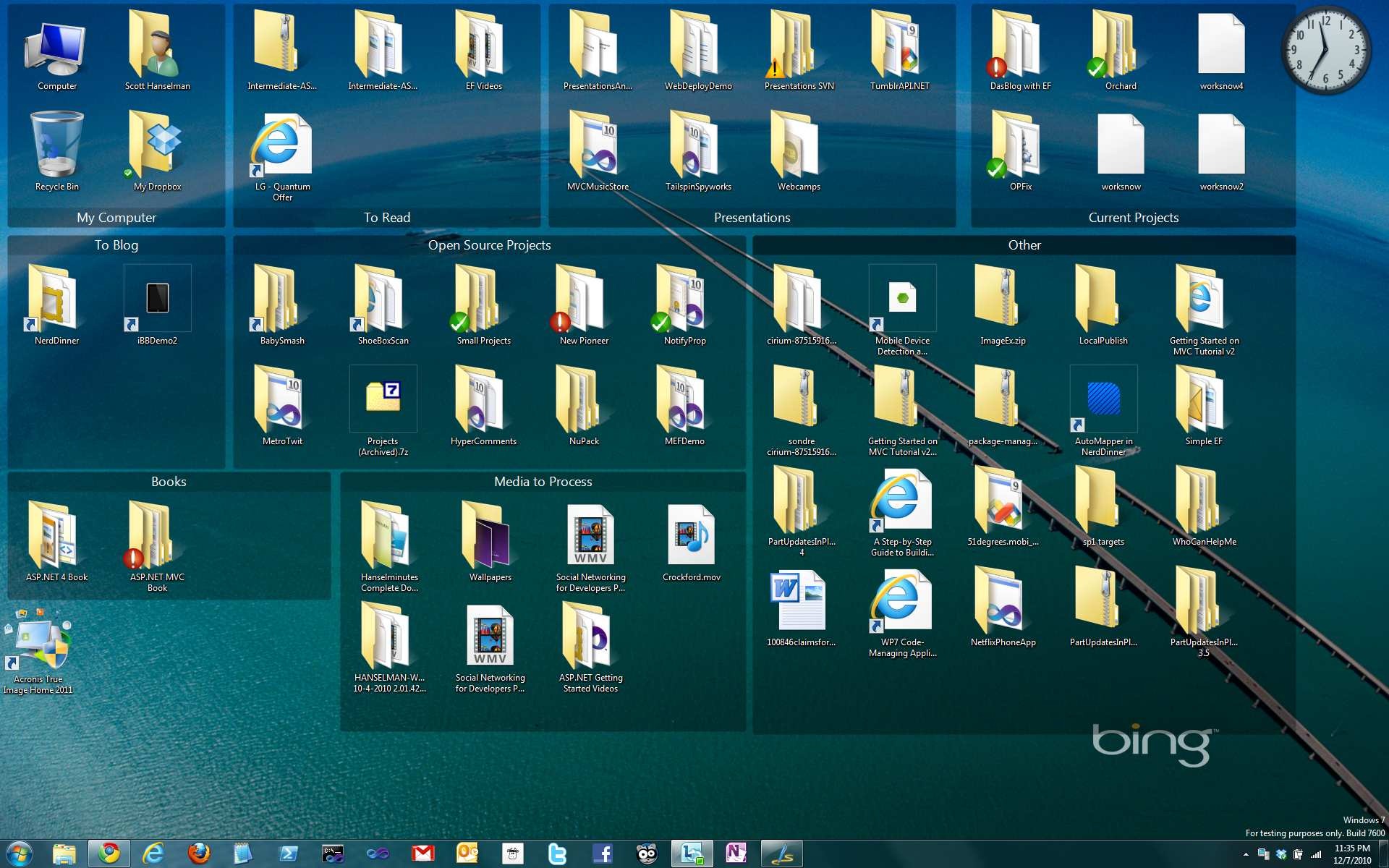
That's StarDock Fences on my desktop.
Quick hit regarding the "Related Links": I was *SO* hoping that the Developer Cribs would take off and be a regular feature. There's GOT to be a lot of people who'd like to show off the tech in their house MS or not...
Also, to M. Wood: I wouldn't give up on SSD's. I think that's where it's all going to end up and concepts such as the continuous backup will become more commonplace. I think this is just a symptom (albeit painful) of the growing pains that go along with the *young* SSD. If you're wary, give it a few years... (Just my 2 cents)


Backup was 4 days old.
The relly worse thing was, standing in front of audience of 100 peoples, demonstrating Windows 7 sensor things and see the machine deleting some part of the driver subsystem during presentation.
Now after firmewareupdate and restore - I hope.
The TCO of a 700$ device is now for me ~3000$.

2 weeks ago my laptop and a few other things were taken from me in a kidnap. I lost almost all my personal data and backups. Now it happens at work too! I'm really out of luck.


Apparently Windows 7 backup can also create a whole system image.
I learned more about this here: http://bit.ly/ggnF3O

Jon Schneider - No ;) Ctrl-Alt-Del causes a hardware interrupt while Ctrl-Alt-Esc doesn't. I wanted to see if the machine was hung or not. The former tests that, while the latter tests only explorer.exe.
Fair enough! I figured your goal was just to get Task Manager running -- using Ctrl+Alt+Del as an additional test to check the state of the machine didn't occur to me. Thanks for the insight.

Like you I had problems with Mozy for multiple devices. I switched to SpiderOak. I recommend you take a look at them, I prefer them over KeepVault. It even works with Linux systems and their tooling is quite refined.
As always. Thanks for your insightful information.

The news of DE being pulled, followed by HP walking away from the MediaSmart line was a bit depressing. Still, I figure I have a few years before my EX495 dies or becomes obsolete. Hopefully the other vendors will still be selling their WHS boxes.
Fortunately I was syncing my files with Live Mesh and everything else important was in TFS. I did have to perform a re-install of Windows 7 onto an old HDD but at least I'm up again. Waiting for a RMA to get a replacement now.
I'm reviewing all my backup and restore plans just in case it happens on another machine.

As for backups... I'm quite an avid back-upper... Sadly, I'm not that good at restoring, I had a pretty hot rant about Ubuntu (Linux is a time killer) -- looks like upgrading via the command line and apt-get dist-upgrade is not the "recommended way of doing things", so wtf? I lost all my system and went the Arch Linux way -- & my own ability to restore my system -- it took me one day and a half to have it up und running... and I still don't have learned the lesson and prepared some script to fetch all programs I use--. Maybe this Christmas I'll prepare one...
Cheers,
Ruben
Latest in my blog: The emacs 30 day challenge: Reading mail with gnus as a newbie

I am glad you're back on... ;-)
I watched the "Show us your home" video and I was laughing out loud!
Why?
I've got the same remote as you. And yes it solved a lot of issues of my wife having to switch things around. ;-)
I also have the same HomeServer. Although my disaster recovery plan is not as solid as yours.
Thumbs up!
And yes I do prefer Win 7/2008 ob 64-bit! MSF should do a marketing campaign on the theme: "Feel the difference!"

Having a good backup strategy is important. One huge problem with online backup is that it isn't full or image backup. This makes sense as there is too much data to transfer using traditional technology.
A very interesting solution is Hybir backup at hybir.com. This is basically full or image backup with really efficient technology, a bit like data de-duplication on steroids, that supports both local and online destinations.
I thought you would find it interesting.


Thanks
Jason

Comments are closed.
I'm thinking of getting a Drobo for backups too. It can handle two drive failures. Maybe you would like to take a look at it: http://www.drobo.com